

Description
Download Guitar APK – guitar, music, app, free, Android, beginner, learn, play, sounds, instrument
Overview
The Guitar APK is a free Android application designed for users interested in exploring guitar playing through their mobile devices. Positioned within the MP3 & Multimedia Apps category, it serves as a lightweight digital tool for generating guitar sounds, making it accessible to individuals who wish to experiment with music creation without the need for physical instruments. The app is particularly suited for beginners seeking an intuitive way to learn the basics of guitar playing or simply enjoy simulated guitar tones. Its primary function is to allow users to produce realistic guitar sounds using touch-based controls, enabling a hands-on experience for those exploring music fundamentals. The software is available on Android 4.3 and higher, ensuring compatibility with a wide range of devices launched in the past decade. While the developer did not provide additional background information, the app’s simplicity and focus on core functionality suggest a targeted approach to music education and casual entertainment. Real-world usage scenarios include practicing chord transitions, exploring basic melodies, or simply enjoying virtual guitar sounds during leisure time. Despite its minimal feature set, the app aims to lower the barrier to entry for aspiring musicians.
Key Features & Capabilities
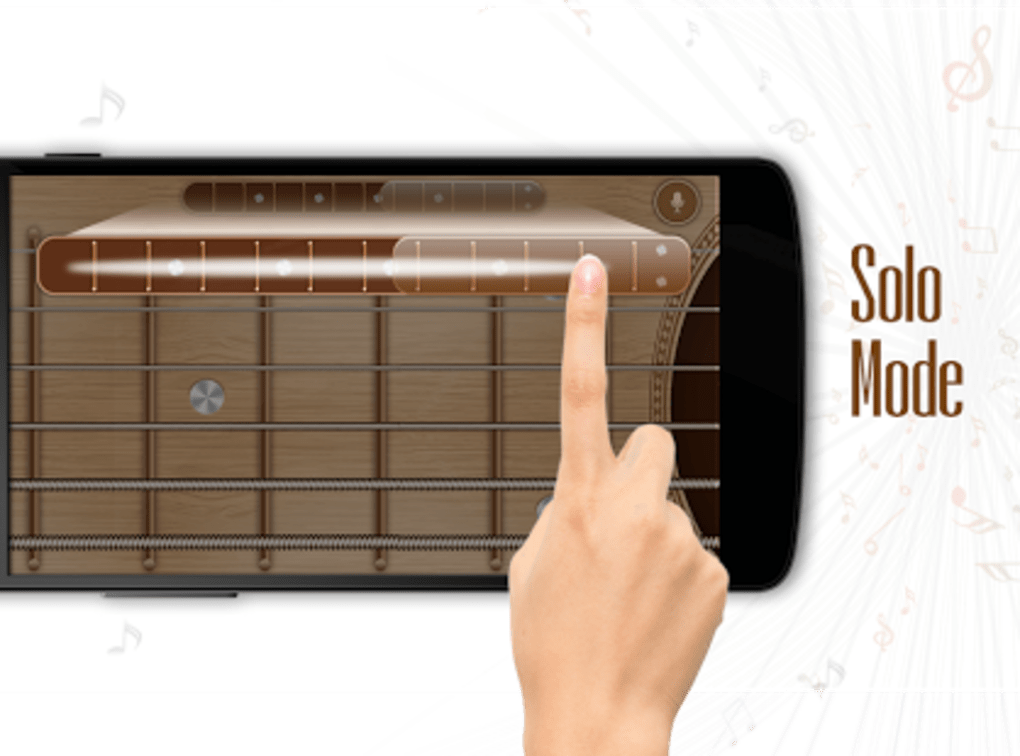
- Virtual Guitar Interface: The app provides a touch-based interface that simulates guitar strings, allowing users to press and slide fingers across the fretboard to produce sounds. This enables interactive learning and experimentation with basic playing techniques.
- Sound Generation: It generates real-time guitar tones in response to user input, offering a responsive experience for playing chords and single notes.
- Beginner-Friendly Design: With a minimalistic layout and straightforward controls, the app is optimized for users with little to no prior musical experience, making it ideal for those starting their guitar journey.
- Multi-Language Support: Available in English, French, and Arabic, the app supports users across multiple regions, enhancing accessibility for non-English speakers.
- Lightweight Performance: Designed to operate efficiently on mobile devices, it requires minimal system resources, ensuring smooth operation even on older Android devices.
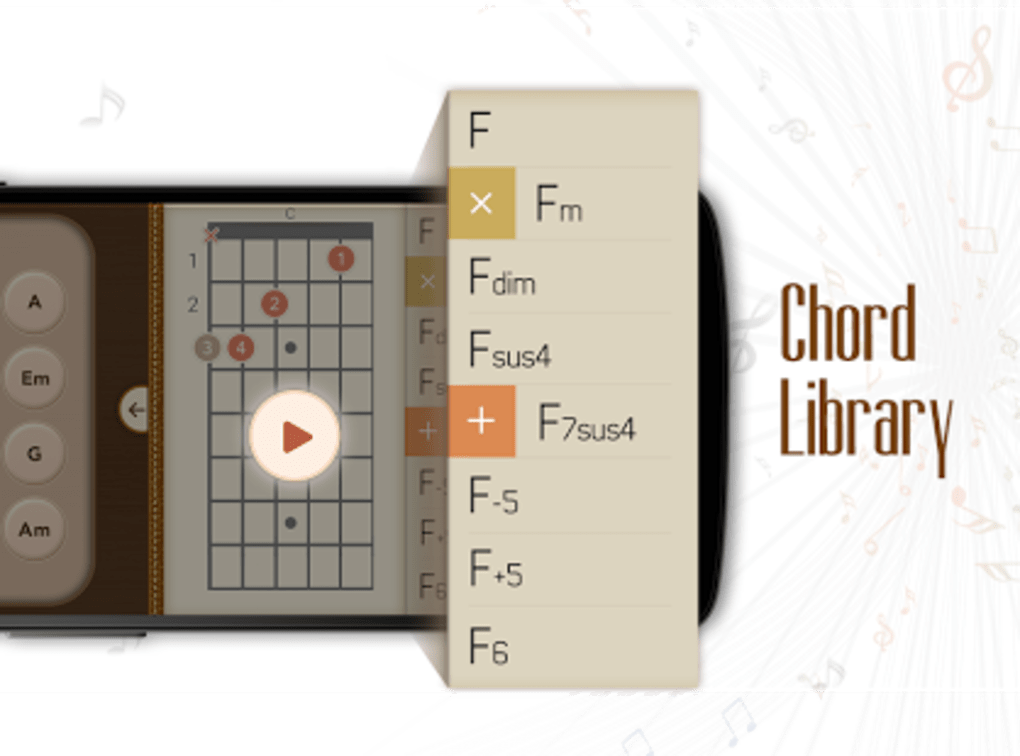
These features collectively support casual practice, sound exploration, and foundational music learning. Users can practice finger placement, experiment with chord progressions, or simply enjoy creating melodies on a virtual instrument. The app’s simplicity makes it suitable for quick sessions during breaks or as a supplementary tool in informal music education. While advanced features such as recording, tuning assistance, or song libraries are not present, the app fulfills its intended purpose as a basic sound simulator and learning aid.
User Interface, Workflow & Performance
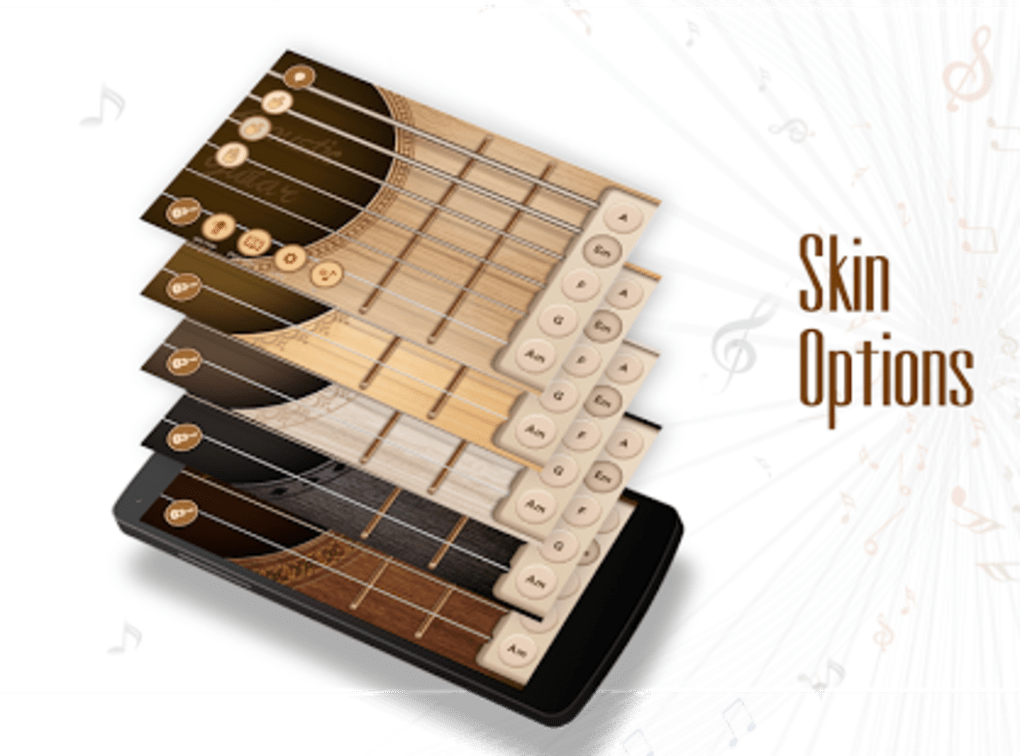
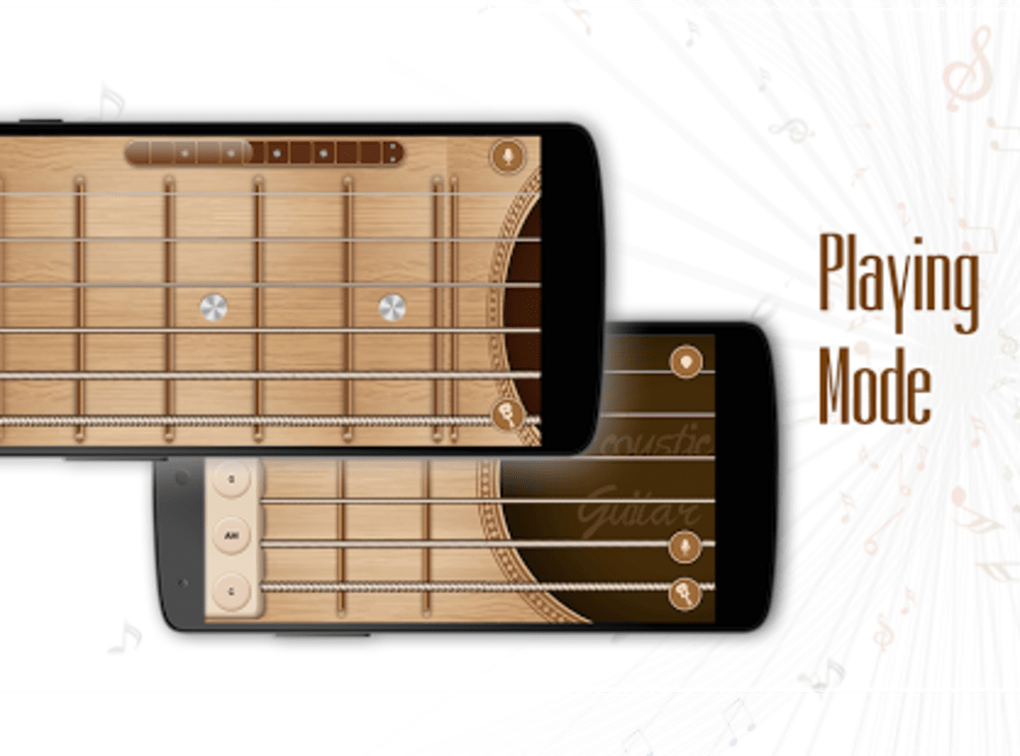
The user interface of Guitar APK is structured around a clean, minimal layout that prioritizes usability over visual complexity. The main screen displays a simplified guitar fretboard with clearly marked strings and frets, allowing users to interact directly with the instrument through touch gestures. Navigation is intuitive, with no additional menus or settings required to begin playing. The workflow is streamlined: users touch the strings at desired fret positions, and the app generates corresponding tones immediately. This direct interaction reduces the learning curve and enables immediate engagement. The developer did not specify resource usage details, but the app is described as lightweight, suggesting efficient CPU and memory handling. Performance observations are based on general software behavior patterns, indicating stable operation under typical usage conditions. No reports of crashes or lag were noted in the provided information. The app functions entirely offline, which enhances reliability and ensures consistent performance without dependency on internet connectivity. Stability appears to be maintained across supported Android versions, though exact behavior on low-end devices remains unspecified.
Compatibility & System Requirements
Guitar APK is designed for Android operating systems, with compatibility confirmed for Android 4.3 and higher. This broad compatibility range allows the app to run on a variety of devices, including older smartphones and tablets. The installation size varies depending on the device, which is typical for Android applications that adapt their assets to different screen densities and hardware configurations. The developer did not provide exact system requirements beyond the OS version, so specific hardware details such as RAM, processor speed, or storage needs are not available. The app is available exclusively through the Android app store, and its free pricing model makes it accessible to a wide audience. Platform compatibility information is limited to the OS version and availability on the app store. No additional details about supported screen sizes, orientation modes, or peripheral compatibility were provided.
Pros and Cons
Pros
- Free to download and use, making it accessible to all users.
- Designed specifically for beginners with a simple, intuitive interface.
- Runs on Android 4.3 and higher, ensuring broad device compatibility.
- Lightweight and efficient, suitable for older or low-spec devices.
- Available in multiple languages, including English, French, and Arabic.
Cons
- Limited feature set with no advanced tools like recording or tuning.
- No information on exact system requirements or performance benchmarks.
- Version 1.0.3 was last updated in 2017, indicating no recent development activity.
- App size varies by device, which may cause uncertainty during installation.
- Not available on iOS or other platforms, limiting cross-device use.
FAQ Section
Is Guitar APK safe to download?
The app is available through the official Android app store and is free of charge. It does not require special permissions beyond basic audio and device access, which are typical for music applications.
Can I use this app offline?
Yes, Guitar APK operates entirely offline. No internet connection is required to play guitar sounds or use the interface.
Is the app updated regularly?
The latest version, 1.0.3, was released on March 2, 2017. There have been no updates since then, indicating minimal ongoing maintenance.
What languages does the app support?
The app is available in English, French, and Arabic, making it accessible to users in multiple regions.
Can I use this app on iOS devices?
No, Guitar APK is exclusively available for Android devices and is not compatible with iOS or other operating systems.
Final Thoughts + CTA
Guitar APK remains a niche but functional tool for beginners exploring guitar music on Android. Its minimalist design, low system demands, and free access make it a viable option for casual users and learners who want a simple way to simulate guitar sounds. While the app lacks modern features such as recording, lessons, or interactive feedback, its core purpose—providing immediate access to guitar tones—is fulfilled effectively. The absence of recent updates raises questions about long-term support and compatibility with newer Android versions, but its foundational functionality remains intact. For those seeking a no-frills, offline-friendly guitar experience on a mobile device, this app delivers a basic yet usable solution. If you're a beginner looking to experiment with guitar sounds or a user who wants a lightweight music tool, Guitar APK may still serve your needs. Download Guitar APK now.
Guides & Tutorials for Guitar APK
How to install Guitar APK
- Click the Preview / Download button above.
- Once redirected, accept the terms and click Install.
- Wait for the Guitar APK download to finish on your device.
How to use Guitar APK
This software is primarily used for its core features described above. Open the app after installation to explore its capabilities.
User Reviews for Guitar APK 0
No reviews found





